


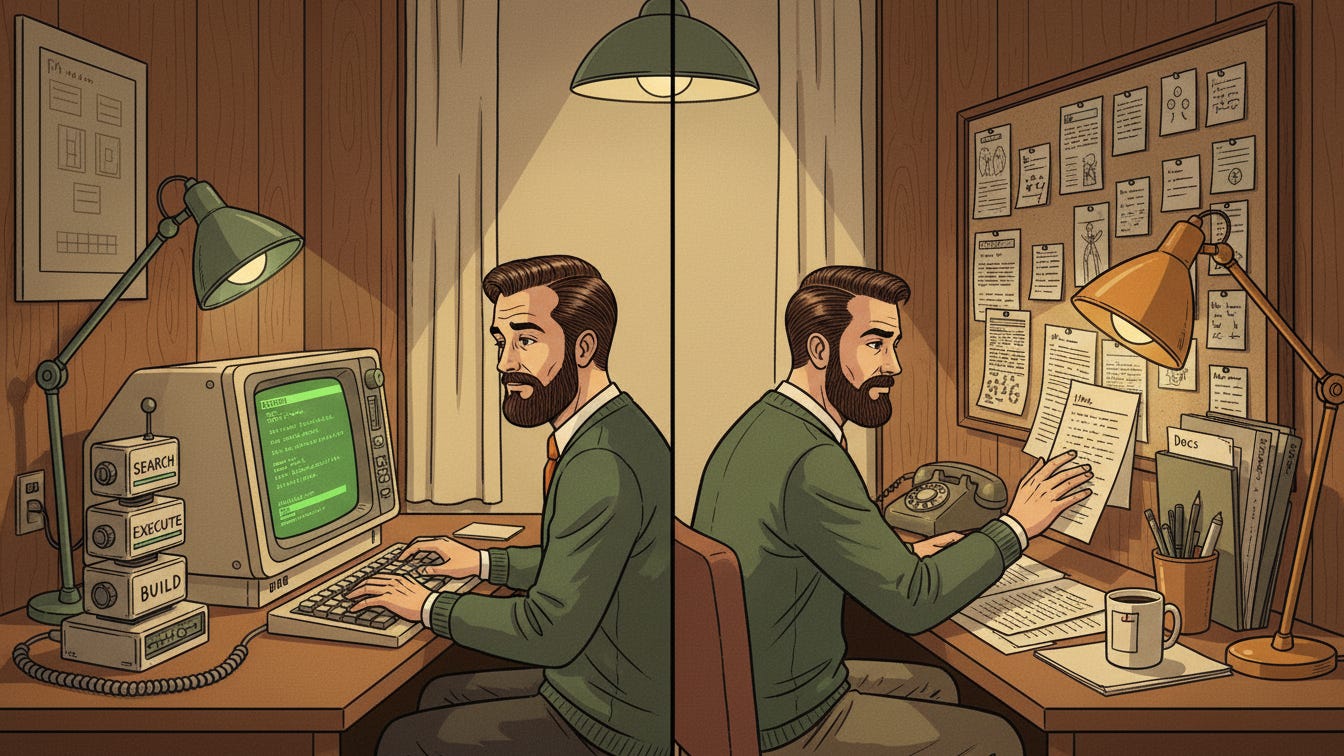
Claude Code FOMO is real.
Every Substack newsletter, X post, and podcast is about it. People are shipping production software in a weekend, building content systems, creating a second brain, and supposedly fixing world peace with a terminal app.
I wanted to know what was actually real, so I spent the holidays going deep with Claude Code and related CLI tools like Codex. I built a handful of experiments and small systems. Some worked. Some did not. Most were a mix.
Here are my field notes on what this category is, what it is not, and how it applies to knowledge workers (not just coders).
What I found: the harness is real, but the workflow fit is wrong for most knowledge workers—at least for now.
How to think about Claude Code
Compared to plain Claude or ChatGPT, coding agents like Claude Code share three important characteristics:
1) Agents optimized for action
They are not just a different interface on top of an LLM. They are LLMs inside an agentic harness designed to act in a loop. The ability to act and execute with reliability is the real superpower.
2) Tight integration with local files
Coding agents work on your local machine, inside an IDE or terminal. That gives them deep access to your files. Instead of pasting context into a chat, the agent can search and parse your folders and build a real working context.
3) Ability to execute terminal commands
These agents can write and run their own scripts, API calls, and shell requests. The implications are hard to grasp until you watch them do it.
Where knowledge workers benefit
The upside for programmers is obvious. People are running multiple coding agents in parallel, shipping code all night, and seeing real productivity gains.
But what about people whose output is words, ideas, designs, or other knowledge artifacts?
Here is what I came to love:
1) Hackable and extensible
Coding agents are deeply customizable. Claude Code has custom slash commands, skills, and sub-agents that package common activities. It is incredibly fun to build your own custom automated world of work.
Example: I built a workflow to dictate rough thoughts for Substack or LinkedIn on my phone, sync them locally, turn them into structured ideas, and prep drafts. It was not perfect, but it captured many ambient ideas that would have been lost. First-draft time dropped from an hour to minutes because the system did the organizing, not just the typing.2) Agents can build themselves
Because the agent configuration is just files, the agent can modify and improve itself. The wall between configuration and application disappears. You see it happen in real time.
Example: I was working on documentation and wanted to publish it to a knowledge base. The agent built itself a local integration in minutes and packaged it for future use. I could see the agent reshape its own tooling in the same place I was doing the work.3) Deep context from a local repo
If you store your work locally, it is powerful to build reusable context guides: writing style, formatting conventions, research notes, and templates. The agent can reason over all of it without you re-explaining the world each time.
The hard parts for knowledge workers
So should every knowledge worker move into the terminal?
Not yet. The value is real, but the UI and collaboration tax is too high. Most limitations come from the coding DNA of these tools.
1) Not made for collaborative workflows
Coding agents work great for individual developers or solo creators. They are built for local files and version control, not real-time collaboration tools.
Most knowledge workers live in Google Docs, Notion, and Confluence. If your work lives in the cloud and your collaborators are editing in real time, a local-first agent creates friction. You are constantly exporting, syncing, and re-importing. The collaboration model breaks.
2) The terminal is not an optimal UI
For many knowledge workers, the terminal is a non-starter. It is not an improvement over modern chat interfaces. You lose rich formatting, quick visual edits, easy image insertion, and that simple act of pointing a cursor at a paragraph to fix it.
We need the power of coding agents without the coding UI.
3) Coding agents are better at doing than thinking
In my experience, coding agents are weaker for big-picture strategy, messy conversations, or creative synthesis. They are great at execution, less great at deep dialogue.
When the task is clear and structured—turn these notes into a draft, format this data, build this workflow—they excel. When the task is ambiguous, interpersonal, or requires reframing the problem itself, plain chat still wins. You need space to think out loud, not a tool optimized to close the loop fast.
Who this is actually for right now
The FOMO question is whether you are missing something essential if you are not using Claude Code yet.
The answer depends on how you work and what you are trying to build.
You should probably be experimenting if you are:
A programmer or vibe coder building software or code-related artifacts for internal systems
An independent content creator who controls your own production system
A systems builder who wants structured workflows around repetitive knowledge work
For these groups, the harness works. The local-first model fits, and the terminal is not a blocker.
You are probably fine waiting if you are:
A collaborative knowledge worker living in Docs, Notion, or Confluence
An executive who needs strategic, discursive thinking more than task execution
Someone whose highest-value work involves ambiguity, synthesis, or reframing problems
For this second group, the drag of a terminal and the gap between local files and cloud systems change the cost-benefit calculation. The power is real but the fit is wrong.
What we really need next
Here is what matters: Claude Code proves that when you give agents the right harness and permissions, they can be nearly autonomous.
We need that same power for people whose primary output is not code.
That means an AI environment with:
A modern, polished chat interface
Seamless access to common knowledge sources and formats (Docs, Slides, Confluence/Notion pages, Snowflake, CRM data)
The ability to create and edit those sources too
The hackability and self-improving nature of Claude Code
A safe execution environment for scripts and integrations that does not require a developer mindset
This does not exist yet because it is genuinely hard to build. But it is not as far off as it looks. Someone will build the “Claude Code for knowledge workers” interface in the next six months.
Either cloud-based assistant platforms will absorb CLI-level power, or the CLIs will grow better wrappers and plugins to meet knowledge workers where they are.
My bet is on the cloud platforms moving first. Once Claude.ai or ChatGPT can safely read AND write to your Google Drive, execute scripts in a sandbox, and configure their own custom behaviors, we’ll have most of what makes coding agents powerful without the terminal tax. The distribution and trust are already there.
Why this matters now
Once we have better harnesses for non-coders, the productivity gap between people who can code their own workflows and people who cannot will collapse. Knowledge work will look very different on the other side.
I am watching this closely because it feels like the next real inflection point, not just another shiny demo.
If you are experimenting with Claude Code as a knowledge worker, I’d love to hear what is working for you.
Written with help from Codex and Claude Code ;-)
Great post! I've been hearing so much about Claude Code and the FOMO for me is real. I'm definitely going to start with seeing what I can do to create a content system like you. Appreciate the inspiration!